

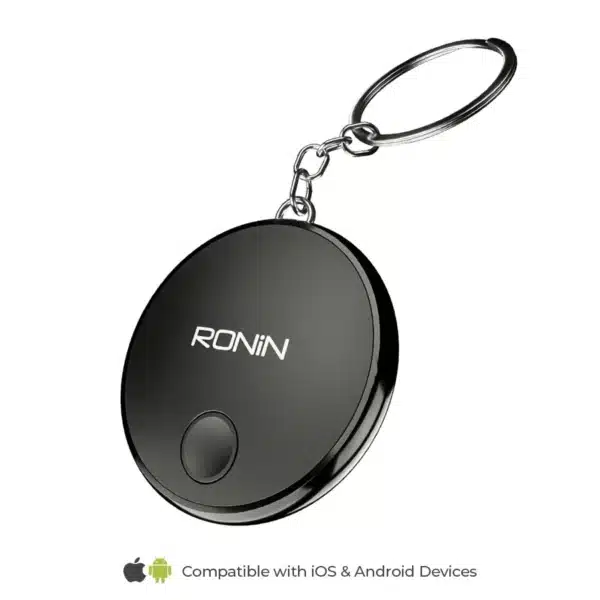


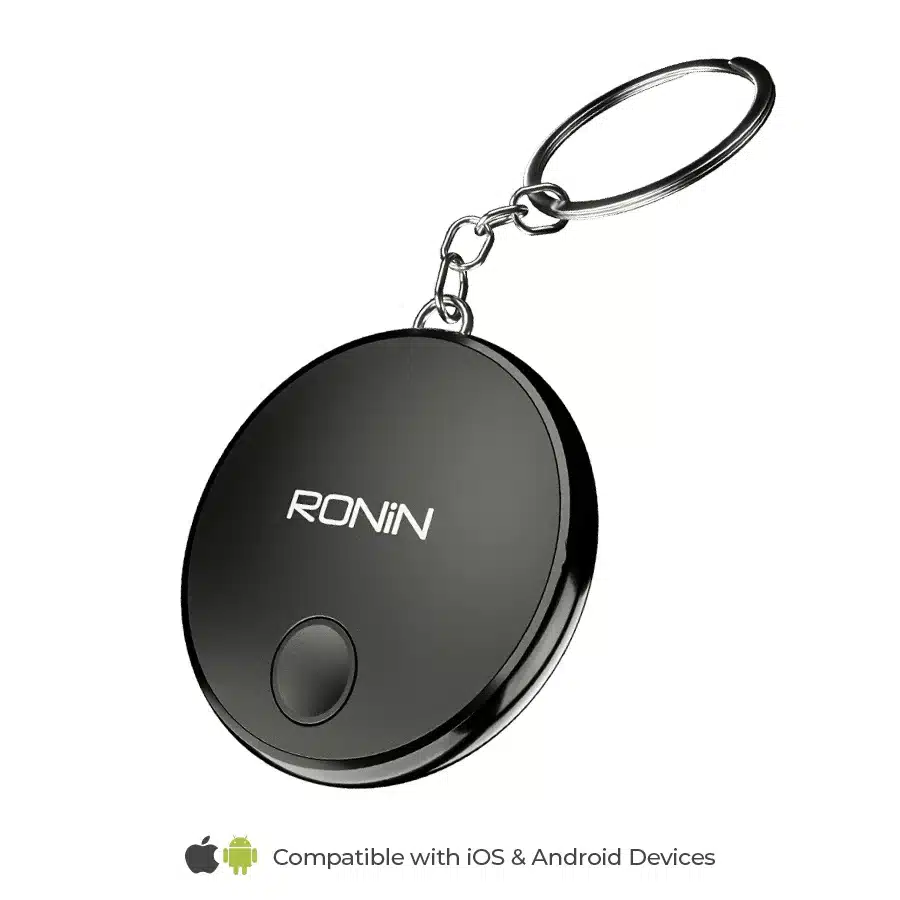
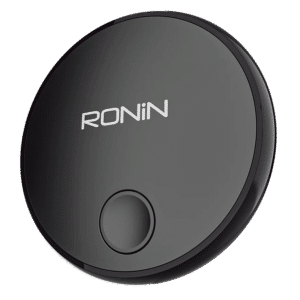
The Ronin Tag Pro R-303 is a small Bluetooth smart tracker for your keys, wallet, bag, luggage or bike. Its big advantage is that it works with both iPhone and Android: it connects to Apple’s built-in Find My app on iPhone (iOS 14.5 or later) and to Google’s Find Hub on Android (Android 9 or later). No extra app is needed. Nearby, your phone finds it over Bluetooth 5.3 up to about 50 metres; further away, its location is updated through the millions of iPhones and Android phones in Apple’s and Google’s networks.
Ronin Tag Pro R-303 Price in Pakistan
The current Ronin Tag Pro R-303 price in Pakistan is shown at the top of this page. We deliver all over Pakistan with cash on delivery, or you can collect it from our Johar Town shop in Lahore. See more gadgets or everything from Ronin.
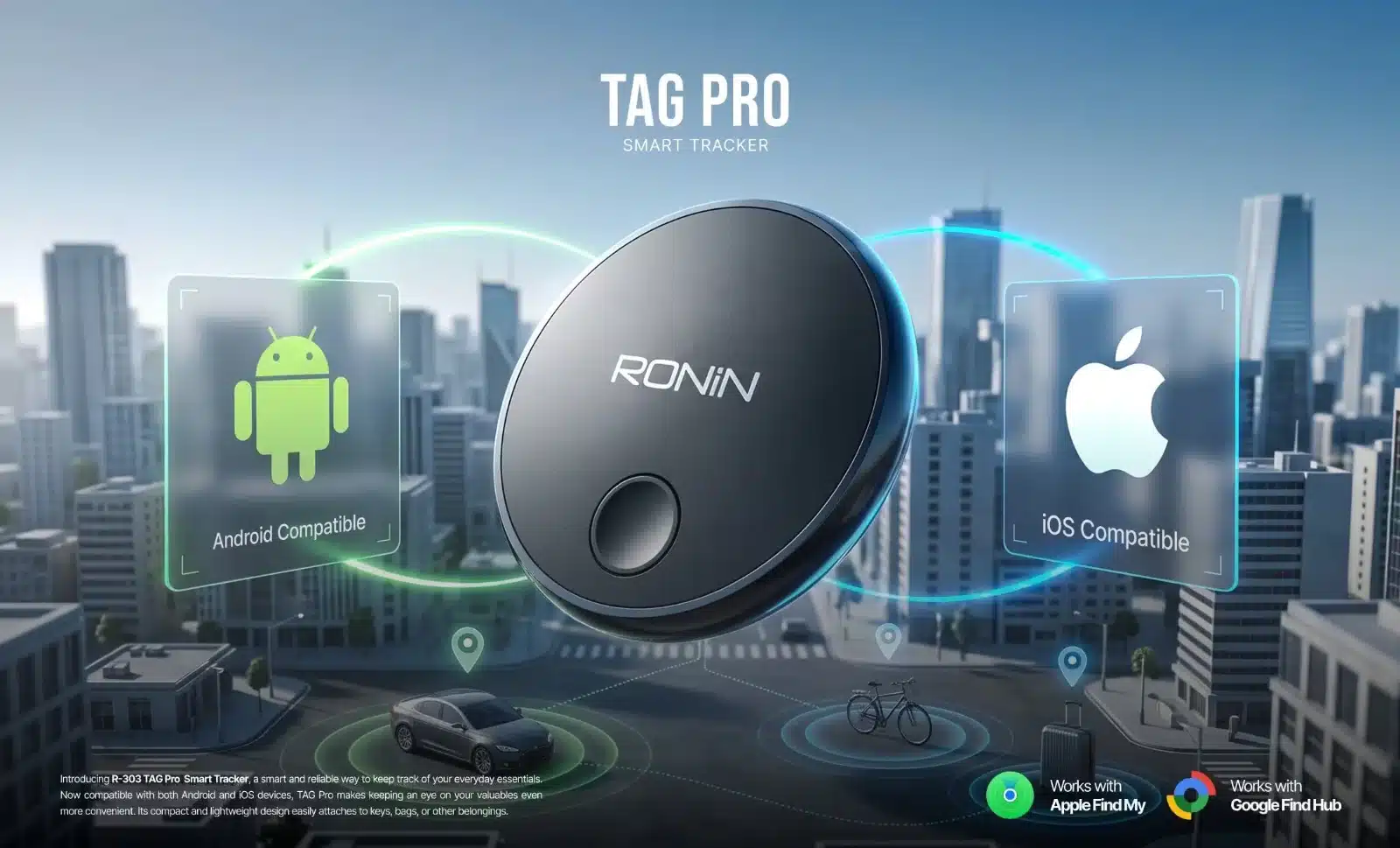
Ronin Tag Pro R-303 Key Features
- Works with iPhone and Android: Apple Find My (iOS 14.5+) or Google Find Hub (Android 9+), using the app already on your phone.
- Bluetooth 5.3: find items close by, up to about 50 metres in open space.
- Unlimited range through the network: when your item is far away, nearby phones in the Find My or Find Hub network help update its last known location.
- Replaceable 210mAh battery: lasts up to 6 months, and you can change it yourself with the small screwdriver in the box.
- Ready for your keys: comes with a keychain holder.
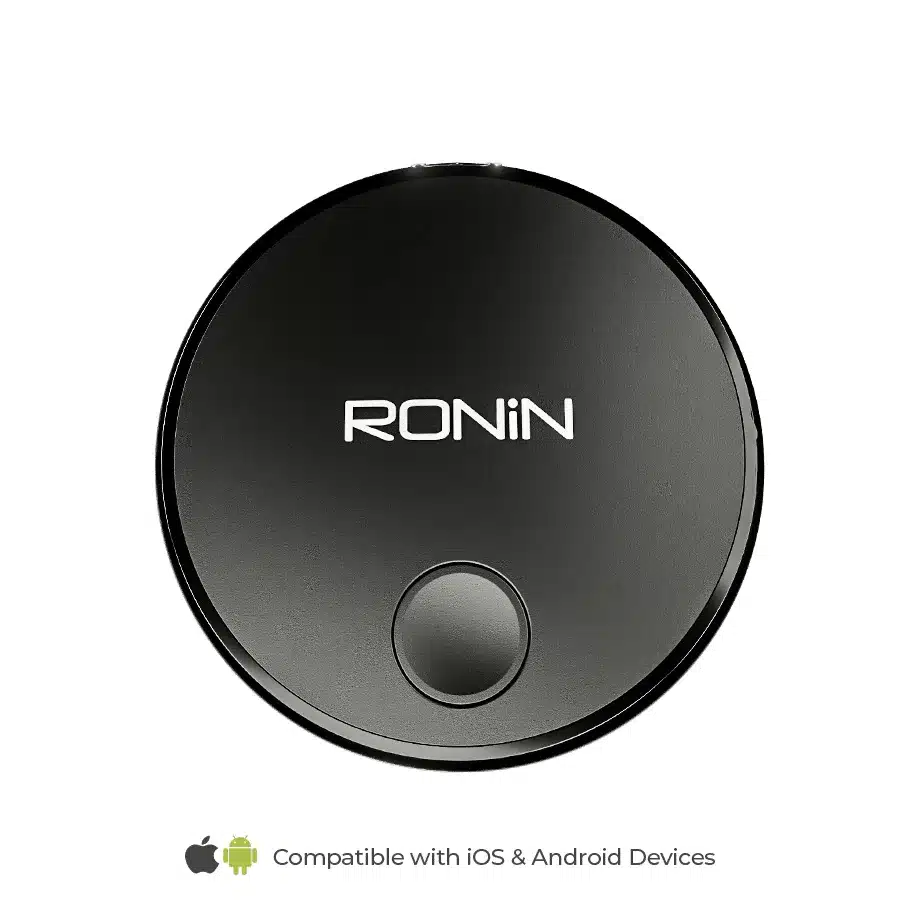
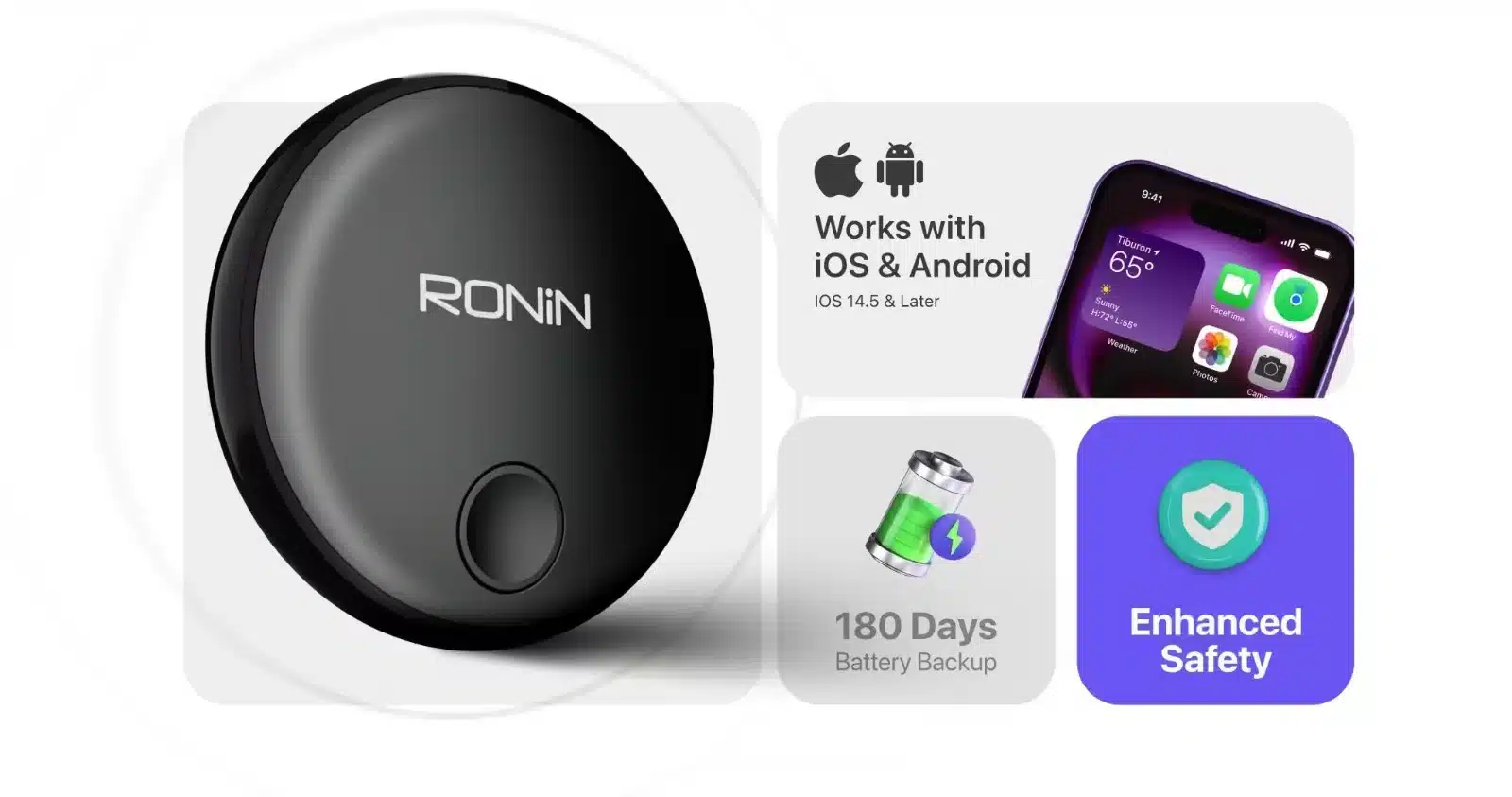
Ronin Tag Pro R-303 Specifications
| Model | R-303 (Tag Pro) |
| Works with | Apple Find My app, Google Find Hub |
| Phone compatibility | iOS 14.5 or later / Android 9 or later |
| Bluetooth | 5.3 |
| Bluetooth range | Up to 50 metres |
| Positioning range | Unlimited (global network) |
| Battery | 210mAh, replaceable |
| Battery backup | Up to 6 months |
| Frequency range | 2400 – 2483.5 MHz |
| Colour | Black |
| In the box | Tag Pro tracker, keychain holder, screwdriver |
Tag Pro R-303 or Tag R-202?
Ronin’s earlier TAG R-202 smart tracker works with Apple Find My only, so it suits iPhone users. The Tag Pro R-303 adds Google Find Hub support, which makes it the one to choose if you use an Android phone or have both iPhone and Android in the family.
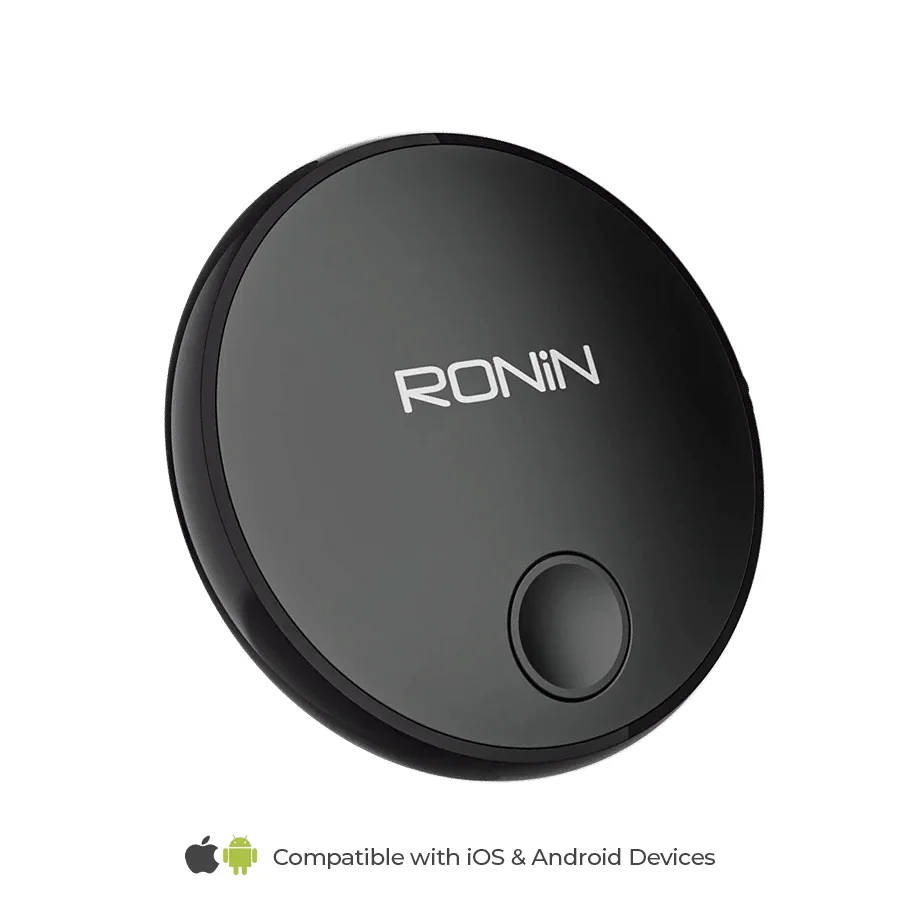
How to Set It Up
- iPhone: open the Find My app, tap the + button, choose Add Other Item, then press the button on the tag and follow the steps.
- Android: press the button on the tag near your phone; Find Hub (Google’s built-in finder) shows a pop-up to add it. Follow the steps to link it to your Google account.
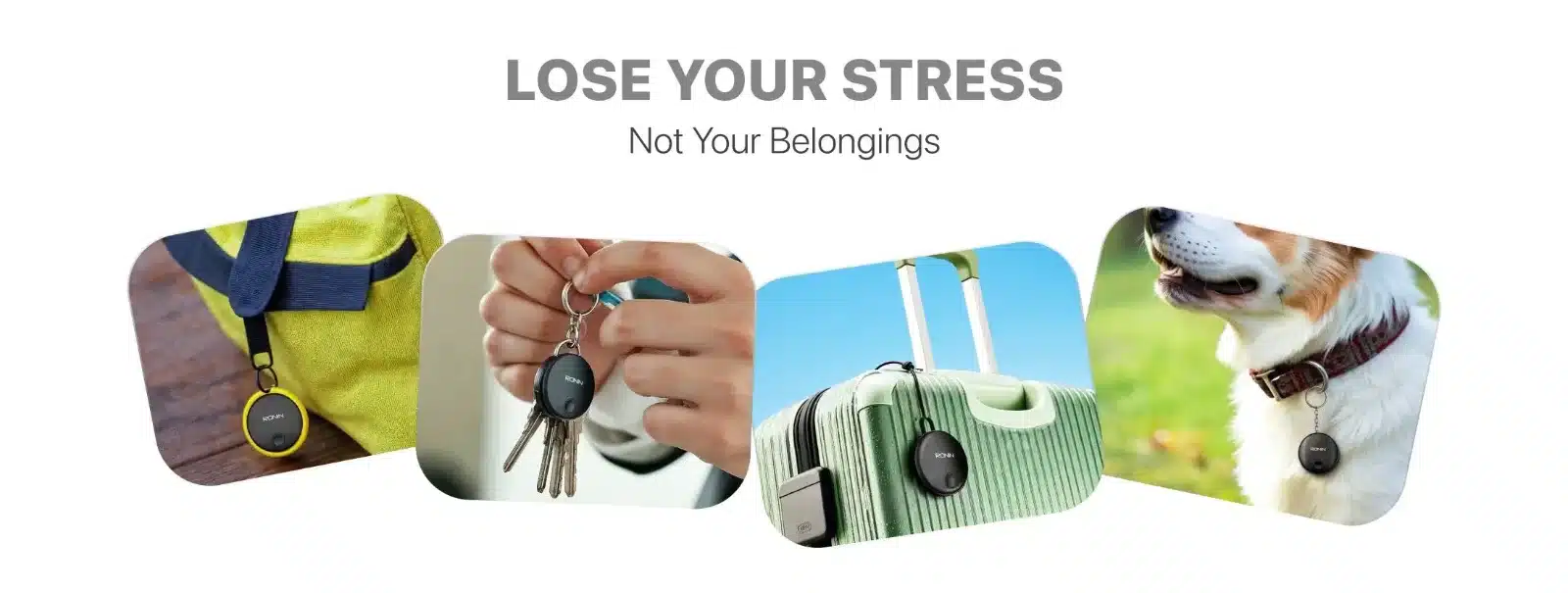
- Attach it to your keys with the keychain holder, or slip it into a wallet, bag or luggage.
The tag is linked to one account at a time. If you change phones or give it to someone else, remove it from your Find My or Find Hub account first.
Where to Use It
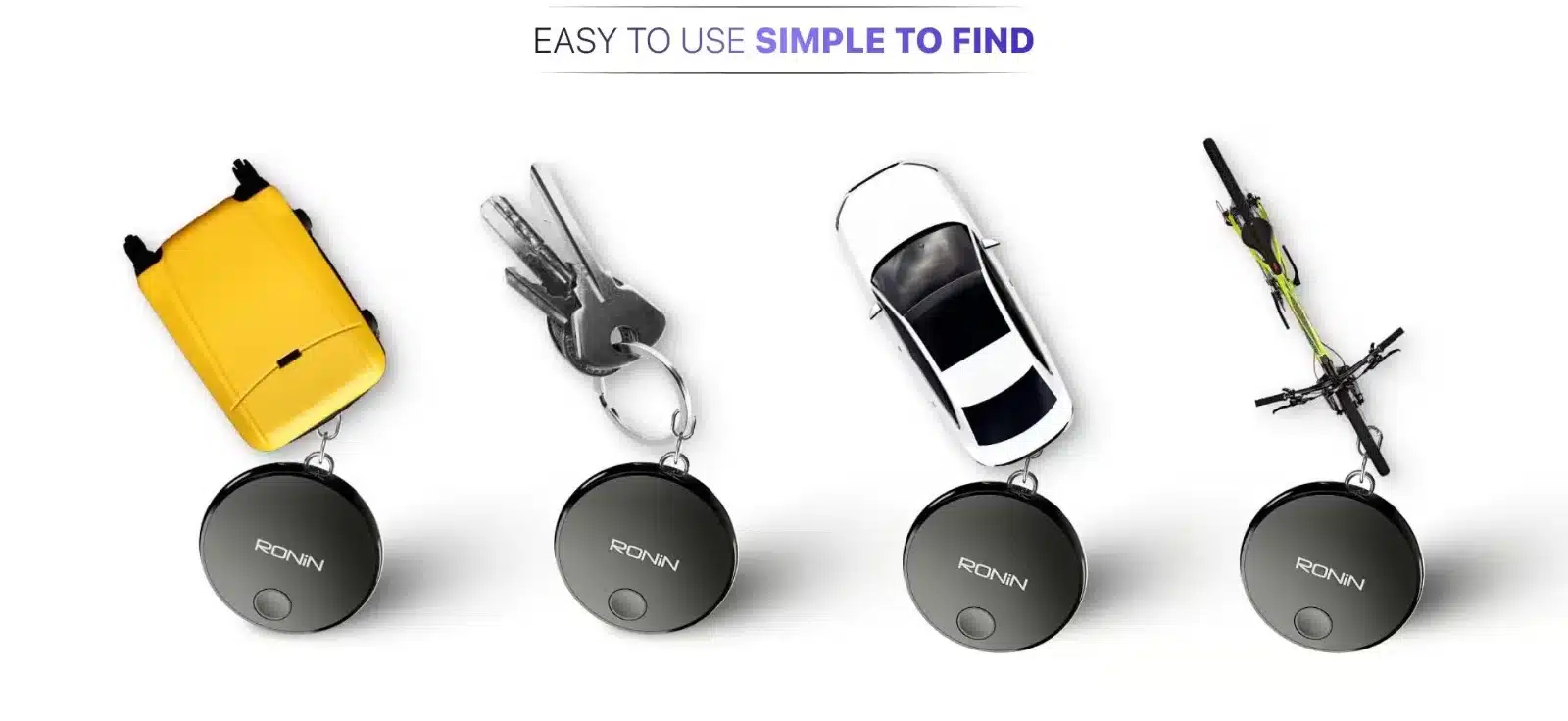
- House and car keys
- Wallets and handbags
- Luggage and backpacks when travelling
- Bikes and motorbikes
- Kids’ school bags
Changing the Battery
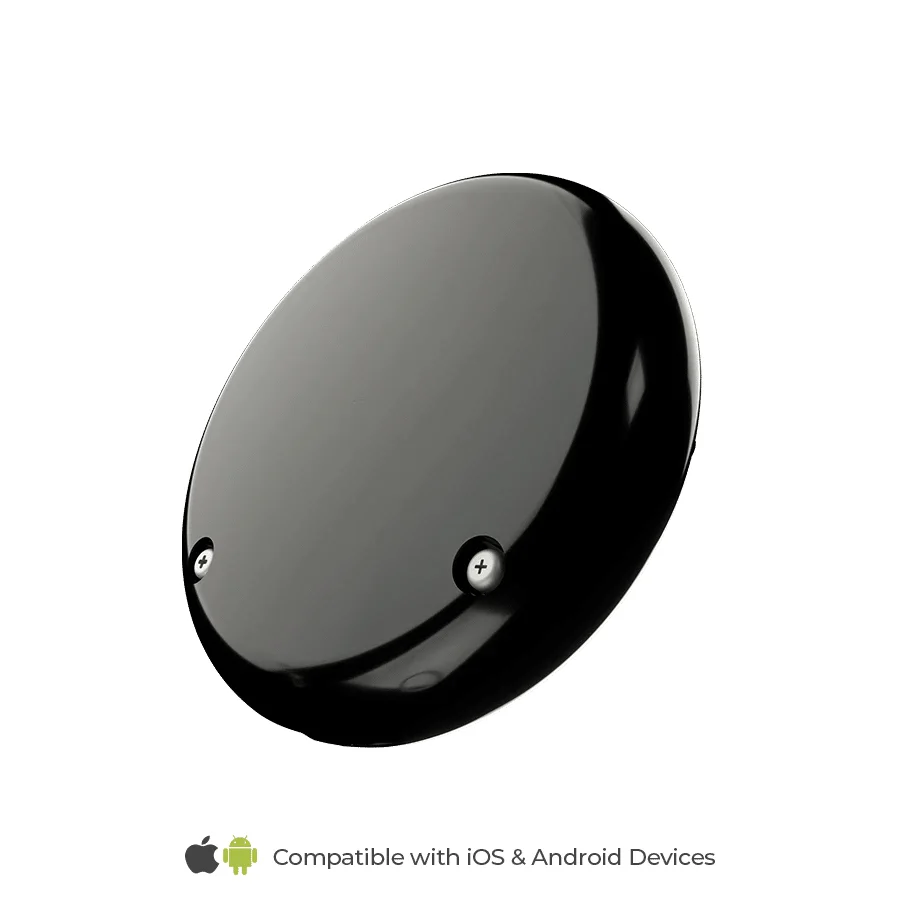
The battery lasts up to 6 months. To change it, remove the two small screws on the back with the included screwdriver, swap the battery, and close the cover again.
Delivery and Returns
- Delivery: we ship all over Pakistan with cash on delivery. If there’s a delivery charge, it’s shown at checkout before you confirm.
- Pick up in Lahore: select Local Pickup at checkout and collect from our Johar Town shop. Message us first so it’s ready.
- Returns: sealed, unused items can be returned within 7 days of delivery if you change your mind, with the return courier at your cost. Faulty or wrong items are handled separately. See our refund and returns policy or contact us first.
Reviews
There are no reviews yet.