

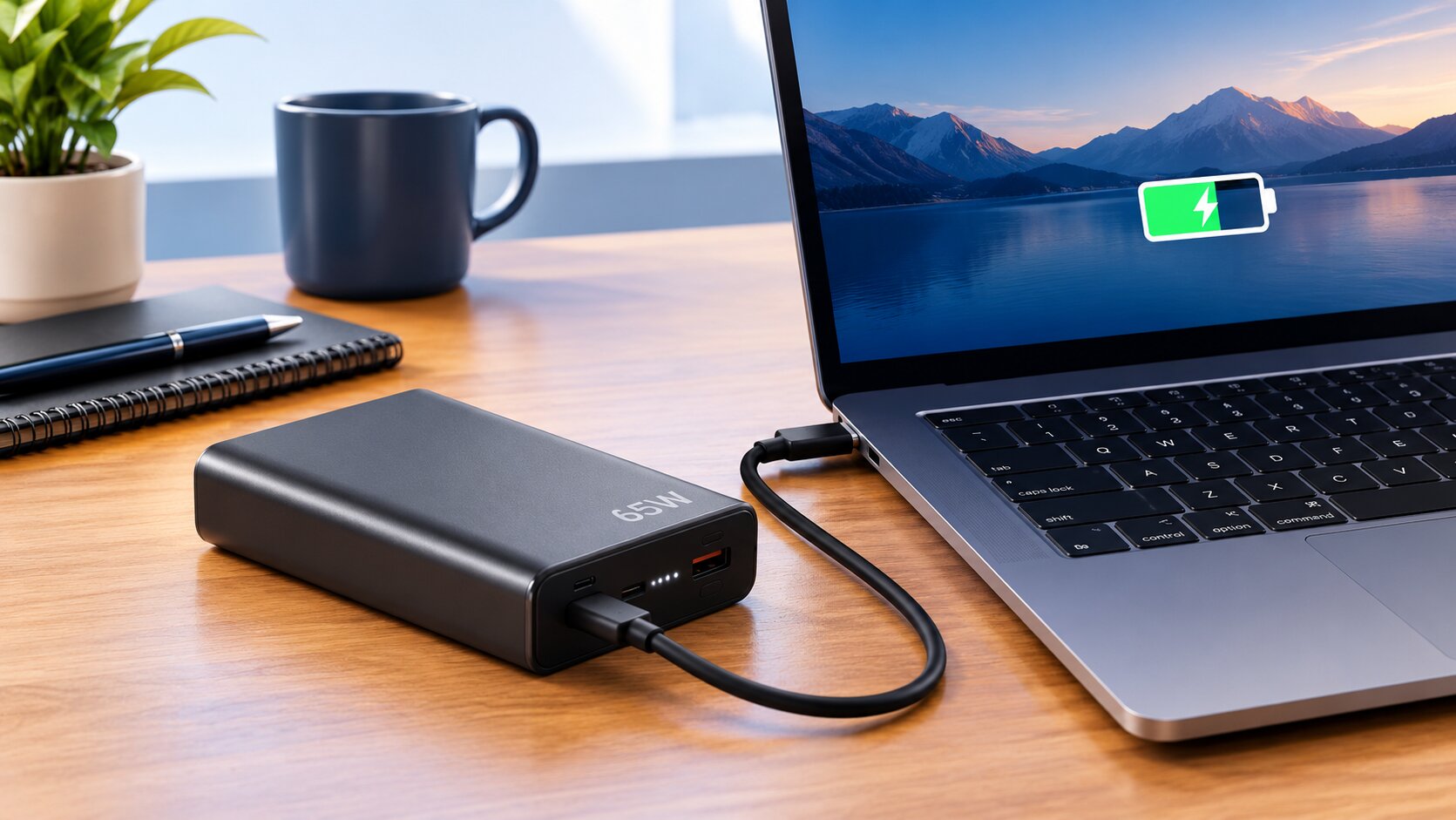
Your laptop drops to 10% in the middle of a client call and the nearest socket is across the room. Or the light has gone again and there is no socket at all. That is the moment most people start searching for a 65W power bank for laptop use.
The good news is that a 65W power bank can charge a lot of modern laptops. The catch is that it depends on four details that product pages rarely explain: the charging port, the power protocol, the cable and the battery size. We sell these power banks at Mobile Geeks in Lahore, so here is how to check your own laptop in two minutes, before you spend anything.
The short answer
- Yes, a 65W power bank charges most laptops that charge over USB-C with Power Delivery (PD) and need 65W or less.
- No for laptops with a round barrel charger, and for gaming or workstation laptops that need 100W to 240W.
- A 20000mAh bank gives roughly one full charge to a typical 45 to 55Wh laptop. A 10000mAh bank gives a partial top-up.
- You need a cable that is rated for 65W. Banks with a built-in cable solve this.
In this guide
What 65W actually means
Watts are volts multiplied by amps. A laptop that charges at 65W over USB-C normally asks for 20 volts at 3.25 amps. The power bank and the laptop agree on that voltage through a handshake called USB Power Delivery (USB PD). If either side does not speak PD, the laptop will not charge at full speed, even if the port looks the same.
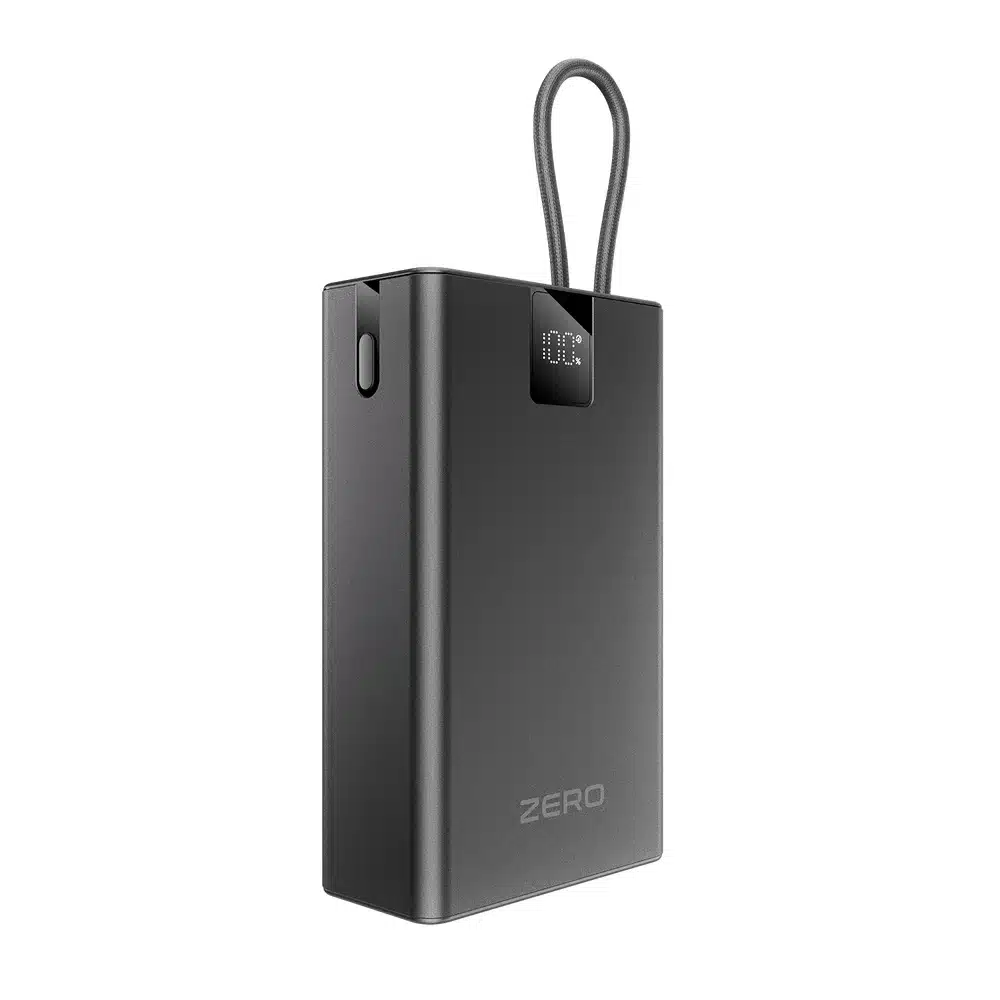
This is also why the number on a charger can change while it works. If that confuses you, read our explainer on why the wattage on a charger display keeps changing.
Check your laptop in three steps
- Look at the original charger. The small print says something like “20V 3.25A” (65W) or “20V 2.25A” (45W). A bank rated 65W can power both.
- Check the port. If your laptop charges through a USB-C port (often marked with a lightning or battery icon), it supports USB-C charging. A round barrel plug means the bank will not work.
- Check the maximum. If the original charger is above 65W (for example 90W or 140W), a 65W bank may still charge slowly or only keep the battery level steady, but not charge quickly.
Which laptops work and which do not
| Laptop type | Usually charger watts | Works with a 65W bank? |
|---|---|---|
| Thin and light ultrabooks, many Windows 13 to 14 inch laptops | 45W to 65W | Yes |
| MacBook Air | 30W to 70W depending on model | Yes |
| 14 inch MacBook Pro and similar creator laptops | 67W to 96W | Charges, but slower under load |
| Gaming and workstation laptops | 135W to 240W | No, only slows the drain |
| Older laptops with a round barrel plug | Varies | No, USB-C PD is required |
Check the exact wattage on your own charger rather than trusting the table. Manufacturers change this between generations. If you want to understand when a compact charger is enough and when you need something bigger, our guide on 65W multiport charger or compact 45W charger goes through it.
How many charges you really get
Capacity on a power bank is listed in mAh at 3.7 volts. Laptop batteries are listed in watt-hours (Wh). To compare them, multiply: 20000mAh x 3.7V is about 74Wh. You never get all of that, because some energy is lost as heat while the voltage is converted. Plan for about 65 to 75 percent usable, which is roughly 50 to 55Wh.
| Power bank size | Approx. energy | What it does for a 50Wh laptop |
|---|---|---|
| 10000mAh (about 37Wh) | About 25 to 28Wh usable | Roughly half a charge |
| 20000mAh (about 74Wh) | About 50 to 55Wh usable | About one full charge |
| 30000mAh (about 111Wh) | About 75 to 80Wh usable | One and a half charges |
If you are still choosing a size, our comparison of 10000mAh vs 20000mAh power banks covers phones as well.
The cable matters
Many cheap USB-C cables are only rated for 60W or less. Technically, 65W at 20V needs 3.25A, which needs a cable rated for 5A with a chip inside (called an e-marked cable). If you use a weak cable the laptop either charges slowly or refuses to charge. The easiest way around this is a power bank with a built-in cable, or a certified 100W cable.
Charging while you work
A power bank is a rescue tool, not a desk charger. If your laptop uses 40W while you edit video and the bank gives 65W, you only gain about 25W for the battery. If the laptop uses more than the bank can supply, the battery will keep dropping, just more slowly. Lower the screen brightness, close heavy apps and the same bank will keep you going much longer.
During load shedding, a simple routine works well: charge the bank fully when the power is on, keep it in your laptop bag, and top up your laptop to 80 percent when you can. If you work from home often, our guide to work-from-home accessories for a small desk lists other items worth having.
Taking it on a flight
Airlines allow power banks up to 100Wh in your carry-on bag. A 20000mAh bank (about 74Wh) is fine. A 30000mAh bank is about 111Wh, which is above 100Wh and may need airline approval or may not be allowed. Never pack power banks in checked luggage. Always check your airline’s current rules before travelling.
65W and 67W options in our shop
| Power bank | Capacity | Output | Good to know |
|---|---|---|---|
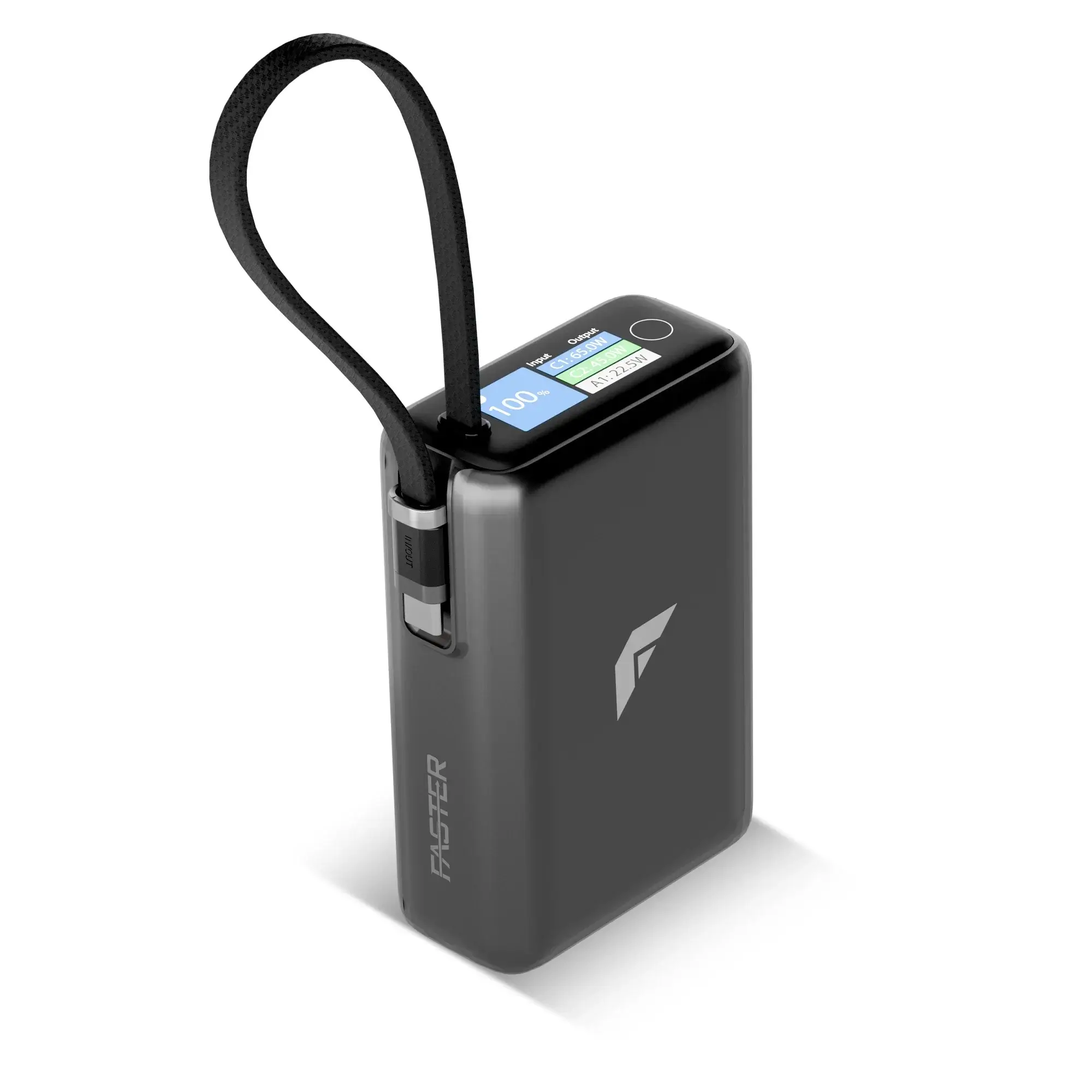
| Zero Pulse Pro 200 | 20000mAh | 65W USB-C PD | Built-in braided Type-C cable plus USB-C and USB ports, charges 3 devices, 65W refill, display |
| Faster 65W PD Power Extreme | 20000mAh | 65W PD | Made for laptops and tablets as well as phones |
| Xiaomi 67W Power Bank 20000mAh | 20000mAh | 67W | Integrated USB-C cable, digital display |
| Xiaomi 67W Power Bank 10000mAh | 10000mAh | 67W | Compact; can top up a laptop but gives a partial charge |
| Ronin Megawatt 30000mAh | 30000mAh (115Wh) | Check product page | Largest capacity; above the 100Wh flight limit |
| Zero Voltix V-200 | 20000mAh | Phone-class output | For phones and tablets, not laptops |
Prices and stock change often, so open each product page for today’s price. Everything ships across Pakistan with cash on delivery. You can also browse the full power banks collection or our chargers.
Common mistakes
- Buying by mAh alone. A 20000mAh bank that outputs 18W will not charge a laptop.
- Using a thin cable. It limits the power and makes the bank look faulty.
- Expecting a gaming laptop to charge. It needs far more than 65W.
- Charging the laptop and phone from one port at the same time. The power is shared, so the laptop gets less.
- Ignoring the flight limit. Check the Wh rating before you fly.
65W vs 100W: do you need a bigger power bank?
A 65W power bank covers most thin laptops, but if your original charger says 90W, 100W or more, a 65W bank will charge more slowly or only slow the battery drain while you work. Banks rated at 100W cost more, weigh more and are harder to find, so step up only if your laptop genuinely needs it. A good rule is to match the wattage of the laptop’s own charger, or come within 20 to 30 percent below it and accept slower charging.
How to tell if a 65W power bank is genuine
- Read the label. A real 65W bank prints its USB-C output profiles (such as 20V/3.25A) on the case. A sticker that only says “65W” with no volts and amps is a red flag.
- Check the weight. A true 20000mAh bank weighs around 400 to 500 grams. A very light one almost always has smaller cells than printed.
- Look for protections. Overcurrent, over-voltage, short-circuit and temperature protection should be listed on the product page.
- Buy from a seller who lists the real capacity. Some listings show rated capacity (the usable figure at 5V) beside the cell capacity, which is the honest way to describe it.
- Test with a real laptop. Reputable shops will confirm a laptop model before you order. We do this on WhatsApp.
The charging handshake that lets a power bank speak to a laptop is defined by the USB Power Delivery standard, so a bank that supports 65W PD output on USB-C is the right thing to look for, not just a high mAh number.
Which 65W power bank for which person
- Students with a thin laptop: a 20000mAh bank with a built-in cable, so there is one less item in the bag.
- Office workers on calls: a 65W, 20000mAh model that also charges a phone, so you are covered during load shedding.
- MacBook Air users: a 65W bank is more than enough, and even a 10000mAh unit gives a useful top-up.
- Frequent flyers: keep the bank at or below 100Wh, which means 20000mAh, not 30000mAh.
- Gamers and creators: a 65W bank only slows the drain, so consider one for your phone and tablet and keep the laptop on mains.
Charging a laptop and phone from one bank
Many 65W banks have two or three ports. The total power is shared. If you plug in a laptop and a phone at the same time, the laptop port may fall from 65W to 45W so the phone can have its share. If speed matters, charge the laptop alone first, then the phone. The Zero Pulse Pro 200, for example, charges three devices at once, but the best laptop speed comes from using one port at a time.
Safety and care tips
- Do not cover the bank while it works. Heat needs somewhere to go.
- Keep it out of a hot car. Batteries age quickly in the heat.
- Use the original cable or a certified 100W cable. Cheap cables can overheat.
- Recharge the bank before it reaches zero when you can; it lasts longer.
- Stop using it if it swells, smells or gets very hot.
A simple load-shedding routine for laptop users
Charge the power bank every night, even if it is only half empty. When the light goes, plug the laptop into the bank only when it falls below about 30 percent, and unplug at about 80 percent. That keeps both batteries healthier and gives you the most hours from each charge. Dim the screen, switch off keyboard lighting and use airplane mode if you are only writing, and a single 20000mAh bank can cover an afternoon of work for many laptops.
What to look for in a power bank for laptop use in Pakistan
Shopping for a power bank for laptop use is different from buying one for your phone. Phone banks are judged on capacity. A laptop power bank is judged on output first and capacity second. Here is the order we check things in when a customer asks us for a recommendation.
- USB-C PD output of 45W or more. This is the only way a laptop will charge from a power bank. Look for the exact watts printed on the product.
- Capacity that matches your day. 10000mAh is a top-up, 20000mAh is about one laptop charge, 30000mAh is heavier and limited on flights.
- A cable you can trust. Built-in cables remove the weakest link. If it is a separate cable, use one rated for 65W or more.
- Pass-through and multi-port behaviour. Check how the power is shared when you charge two devices.
- Real protections and a seller who answers. A laptop battery is expensive. Cheap banks with no protections are not worth the risk.
Power bank for laptop price in Pakistan: what changes the price
There is no single price for a power bank for laptop use, because three things move it more than anything else: the output wattage (65W costs more than 45W), the capacity (20000mAh costs more than 10000mAh) and the brand. Integrated cables, digital displays and fast self-charging add a little more. We keep today’s price on every product page, and prices change with stock and offers, so open the page of the model you like before you decide. All of them ship across Pakistan with cash on delivery.
Using a laptop power bank with a MacBook
A MacBook Air charges comfortably from a 65W bank, and even a 10000mAh unit gives a meaningful top-up. The 14 inch MacBook Pro can pull more than 65W under heavy use, so it will charge more slowly while you edit video or compile code. For either machine, check that the bank advertises USB-C PD output, then use a good USB-C cable. If you are unsure about your exact model, message us on WhatsApp with the model name and we will tell you straight.
What a laptop power bank cannot do
- It cannot charge laptops with a round barrel plug.
- It will not keep a gaming laptop running at full speed.
- It will not charge at 65W if the cable, the laptop or the other port load limits it.
- It is not a replacement for the original charger when you are at a desk with a socket.
FAQs
Can a 65W power bank charge any laptop?
No. It charges laptops that support USB-C Power Delivery and need 65W or less. It will not charge laptops with a barrel plug.
Will a 65W power bank charge a MacBook?
Yes for a MacBook Air. A 14 inch MacBook Pro can use more than 65W, so it charges slower while working.
How many times can a 20000mAh bank charge a laptop?
About one full charge for a typical 50Wh laptop, because of conversion losses.
Can I use my phone charging cable for a laptop?
Not safely or fully. Use a USB-C cable rated for 65W or more, or a bank with a built-in cable.
Can I use the laptop while it charges from the bank?
Yes, but the battery charges more slowly, and it may drop if the load is heavy.
Is a 65W power bank allowed on flights?
Yes if the capacity is 100Wh or less, in carry-on only. A 20000mAh bank is about 74Wh.
Is 45W enough for a laptop?
Many thin laptops charge fine at 45W. Check your original charger and match or exceed it.
Do you deliver 65W power banks across Pakistan?
Yes, with cash on delivery, and you can ask questions on WhatsApp before ordering.
Still not sure whether your laptop will work? Message us your laptop model on WhatsApp and we will check it for you.