


Here are 10 must-have computer accessories that fix the everyday annoyances of working on a laptop in Pakistan, from laggy mice to power cuts.
Table of Contents
Your laptop does most of the heavy lifting, but it’s rarely the thing that makes your workday annoying. It’s the mouse that lags right when a call starts, the webcam that makes you look like you’re in a hostage video, or the fact that load-shedding kills your work mid-file because nothing’s backing you up. A good desk setup isn’t about buying expensive gear; it’s about fixing the ten small things that quietly waste your time every single day. We deal with a lot of this stuff at Mobile Geeks, so here’s a genuinely useful list, not filler padded out to hit a round number.
A Mouse That Doesn’t Die on You Mid-Task
Wired mice are fine, but if you’re switching between a laptop and a desk setup, something like the A4Tech FB10C(S) wireless mouse is worth the switch. It’s rechargeable instead of running through AA batteries every few weeks, and dual-mode connectivity means you can pair it with two devices and swap between them without re-pairing every time you sit down.
A Keyboard You Can Actually Take With You
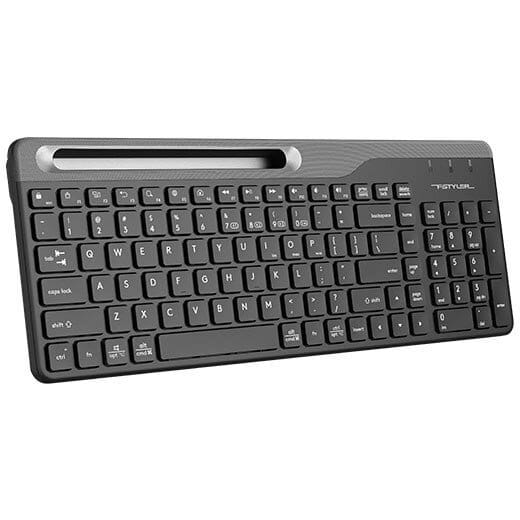
If you work from more than one spot, whether that’s a home desk, a coffee shop, or an office you don’t own the hardware at, a wireless keyboard matters more than people give it credit for. The A4Tech FBK25 keyboard runs on both Bluetooth and 2.4G, so it works with basically anything you own without hunting for the right dongle.
A Webcam That Doesn’t Make You Look Sick
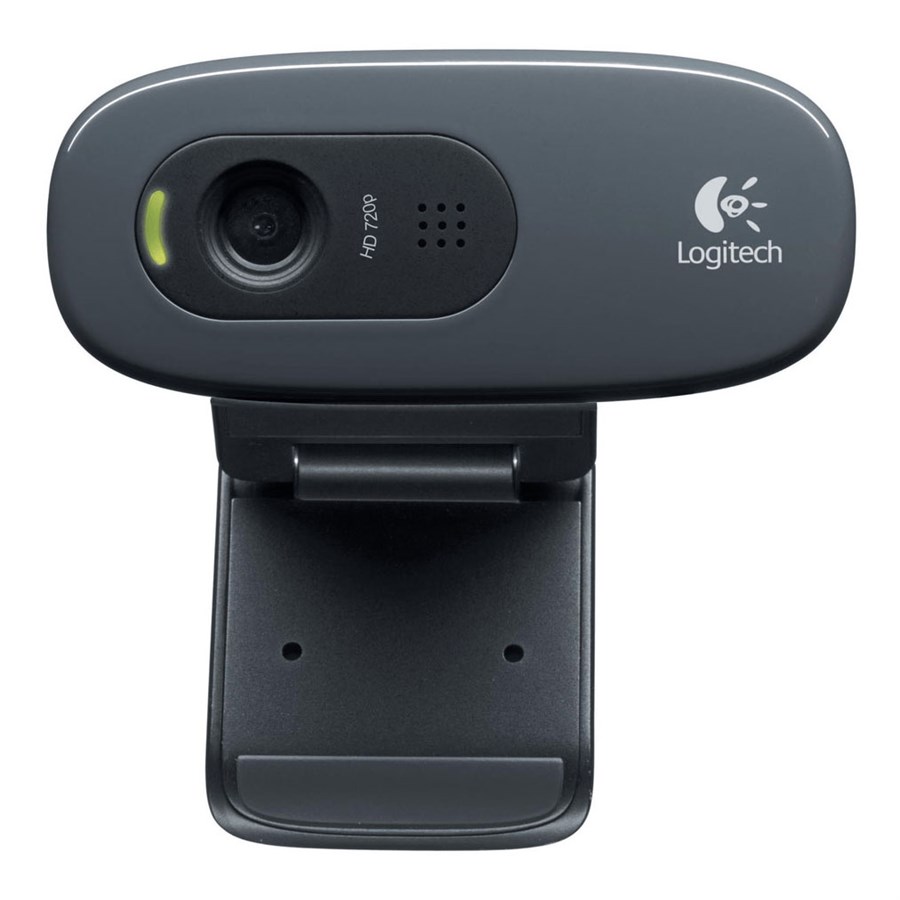
Built-in laptop cameras are consistently bad, grainy, badly angled, and lit like a crime scene. An external option like the A4 Tech PK-810G webcam fixes that instantly and costs less than most people expect for how much better their video calls suddenly look.
A Headset That Actually Filters Out Background Noise
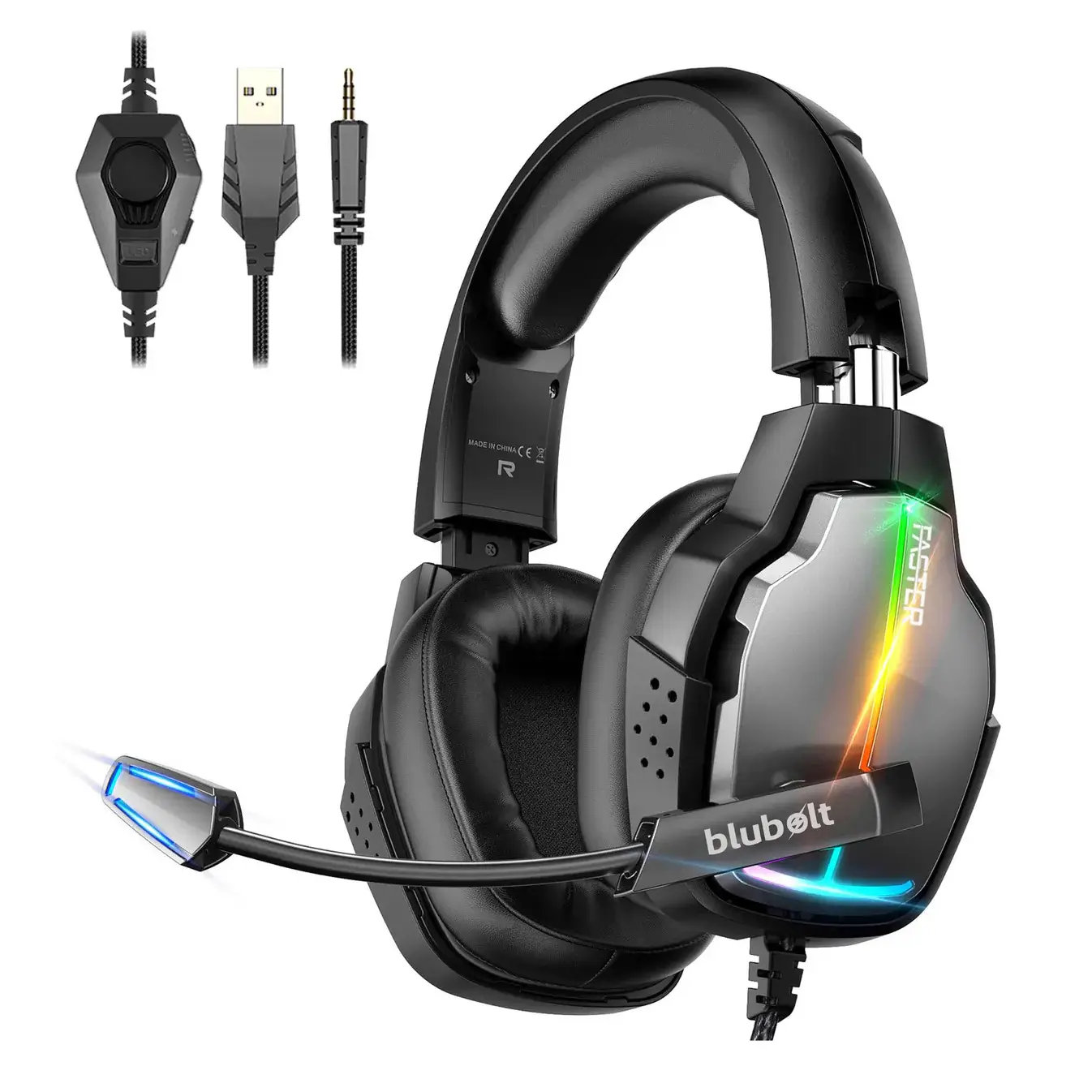
If you’re on calls often, your laptop mic is probably picking up everything around you, the TV, traffic outside, someone talking in another room. A proper USB headset with noise-cancelling built in, like the A4tech Bloody G530 7.1 surround headset, fixes that and doubles as solid gaming audio if you need it to.
A GaN Charger That Actually Keeps Up
Bulky chargers that only push out 20 or 30 watts are a genuine bottleneck if you’re running a laptop and phone off the same desk. The Faster FC-092PD 45W GaN charger stays small while delivering enough power to actually fast-charge modern devices, and it’s the kind of thing you stop noticing once you have it, then really notice once it’s gone.
A Laptop Stand for Your Neck’s Sake
Hunching over a flat laptop screen for eight hours a day catches up with everyone eventually. A basic aluminum laptop stand raises your screen closer to eye level, which sounds minor until you realize how much neck strain it actually removes over a full week of use. It’s one of the cheapest fixes on this list for one of the most common complaints.
A Proper Multi-Port Hub
Modern laptops ship with fewer ports than they used to, which means you’re stuck choosing between charging and plugging in a flash drive half the time. A USB-C hub with a few extra ports solves that instantly and is genuinely one of those accessories you don’t think about until you don’t have one and everything becomes a juggling act.
Cable Management That Actually Works
Nobody plans for cable chaos, it just happens. A simple set of clips or a braided sleeve keeps your charger, mouse, and headset cables from turning into a tangled mess under your desk, and it makes cleaning or moving your setup around far less painful than untangling a knot every single time.
A Small UPS or Surge Protector
This one matters more in Pakistan than almost anywhere else. Sudden power cuts during load-shedding don’t just interrupt your work, they can actually damage hardware over time if your setup takes repeated hard shutdowns. A basic UPS or a decent surge protector is cheap insurance against losing unsaved work or, worse, frying a component.
An External Drive You Actually Trust
Cloud storage is great until your internet decides not to cooperate, which happens often enough here to matter. Keeping a physical backup of anything important on an external drive means you’re never fully at the mercy of your connection or a random app deciding to crash mid-save.
Not everything on this list needs to be bought at once. Start with whatever’s actually annoying you the most right now, the mouse that keeps disconnecting, the webcam making you dread video calls, and build outward from there. Small fixes tend to add up faster than one big splurge.
Further reading: USB-IF: USB Power Delivery
Must-Have Computer Accessories You Can Buy Today
To make the list above easy to act on, here are must-have computer accessories we stock, with prices from our current listings. Prices change with offers, so check each product page.
- Mice: A4Tech G3-330NS wireless mouse (Rs 1,499) and A4Tech G3-220NS (Rs 1,999). For gaming, the Bloody ES5 (Rs 3,999). See all mice.
- Keyboards: the A4Tech FBK25 Bluetooth and 2.4G wireless keyboard (Rs 5,000) and the Bloody B135n backlit gaming keyboard (Rs 4,300). More in keyboards.
- Webcams: the A4Tech PK-635G (Rs 3,800), A4Tech PK-810G (Rs 5,200) and Logitech C270 HD 720p (Rs 5,999). See all webcams.
- Headsets: the Faster BG-400 gaming headset (Rs 7,000) and the Straygos BG-600 (Rs 7,865). Browse headsets and mics and PC gaming headsets.
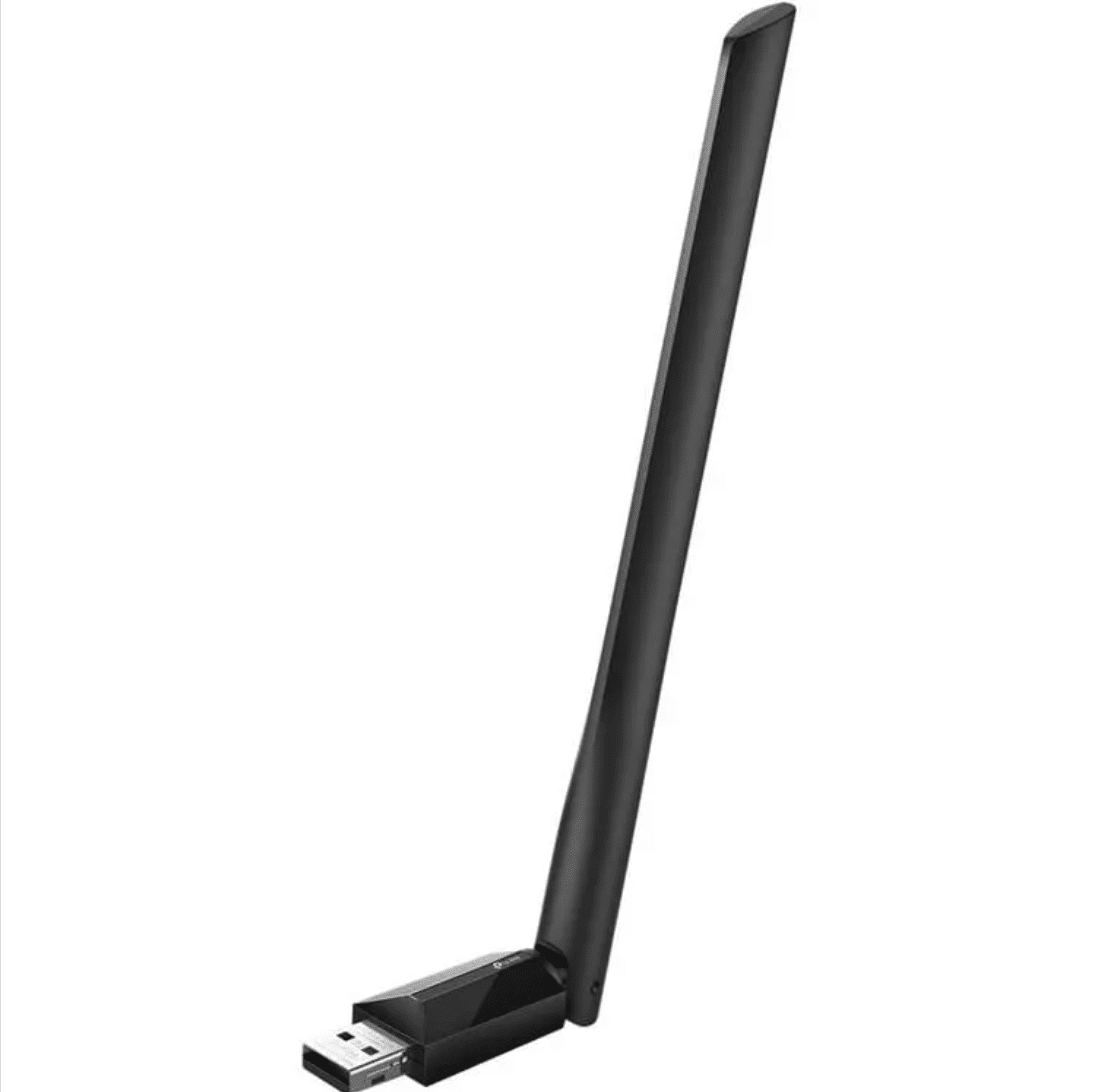
- Wi-Fi adapters: the Tenda AX300 WiFi 6 (Rs 1,850) and TP-Link Archer T2U Plus (Rs 5,299). See network products.
Build Your Setup by Budget
You do not need to buy everything at once. Here is a simple way to build a setup in stages, starting with the must-have computer accessories that make the biggest difference.
- Starter (under Rs 5,000): a wireless mouse, a basic keyboard if you need one and a good cable or hub.
- Standard (Rs 5,000 to Rs 15,000): add a webcam, a headset, a laptop stand and a Wi-Fi adapter if your laptop connection is weak.
- Complete: add a backup drive, a surge protector and a better keyboard and mouse for long days.
Ergonomics: Protect Your Neck, Wrists and Eyes
The best must-have computer accessories are the ones that keep you comfortable. Raise your laptop screen to eye level with a stand, use a separate keyboard and mouse so your wrists stay level, and sit with your feet flat on the floor. Take a short break every hour to rest your eyes and stretch. The overview of ergonomics explains why small changes to your desk prevent long-term strain.
Keeping Your Setup Safe During Power Cuts
Load-shedding and voltage spikes can damage a computer or corrupt a file you are saving. A surge protector filters voltage spikes, and a small UPS gives you a few minutes to save your work and shut down properly. Save often, keep an external backup, and unplug your equipment during a storm. These are cheap protections against an expensive problem.
Cables, Hubs and Charging
Modern laptops use USB-C for power and data, so a multi-port hub is one of the most useful must-have computer accessories you can buy. Check that the hub supports pass-through charging and the video output you need. Buy a good USB-C cable rated for the power your laptop needs, and keep a spare in your bag. Our cables and chargers categories list the options.
Cleaning and Caring for Your Accessories
- Wipe keyboards and mice regularly with a slightly damp cloth.
- Use compressed air or a soft brush to remove dust from keys and vents.
- Clean the webcam lens with a dry microfibre cloth.
- Wrap cables loosely and avoid sharp bends.
- Store spare batteries and dongles in a small pouch.
More Questions About Must-Have Computer Accessories
What are the must-have computer accessories for a home office in Pakistan?
The must-have computer accessories for a home office are a mouse, a keyboard, a headset or webcam for calls, a laptop stand and a surge protector.
Which must-have computer accessories matter most for students?
For students, the must-have computer accessories are a wireless mouse, a flash drive or external drive for backups, and a headset for online classes.
Are must-have computer accessories different for gamers?
Gamers should add a gaming mouse, a backlit keyboard and a headset with a good microphone to their list of must-have computer accessories.
Which must-have computer accessories improve video calls?
A webcam, a headset or microphone and good lighting make the biggest difference to video calls.
Where can I buy must-have computer accessories in Pakistan?
You can order from Mobile Geeks with cash on delivery across Pakistan, or collect from our Johar Town store in Lahore. See our full computer accessories range.
To sum up, the must-have computer accessories are the ones that solve the problems you face every day. Start with your biggest annoyance, add pieces as your budget allows, and message us on WhatsApp if you want advice on must-have computer accessories for your laptop and workspace.
Backups: The Most Important of the Must-Have Computer Accessories
Of all the must-have computer accessories, a backup drive is the one you hope never to use and will be very glad you bought. Laptop drives fail, laptops get stolen and files get deleted by mistake. A simple rule is to keep three copies of anything important: the original on your laptop, a copy on an external drive and a copy in the cloud.
- Use a USB flash drive or external drive sized for your files, with room to spare.
- Back up once a week, or automatically if your software allows it.
- Check that you can open a backup file every few months.
- Keep the external drive in a different place from your laptop when you can.
Lighting and Sound for Better Video Calls
A good webcam helps, but lighting makes more difference than the camera itself. Face a window or place a lamp behind your screen so your face is lit evenly, and avoid sitting with a bright window behind you. For sound, a headset with a boom microphone places the microphone close to your mouth, which reduces room noise far better than the built-in laptop microphone.
Test your setup before an important call. Check your camera angle, join a test meeting and listen to how your voice sounds. These small checks make your must-have computer accessories work for you instead of against you.
Choosing a Laptop Stand
A stand raises your screen to eye level, which reduces neck strain. Look for one that is stable, adjustable and ventilated, so your laptop stays cool. Fold-flat stands are good for travel, and sturdier desk stands suit a permanent setup. Pair a stand with a separate keyboard and mouse, because a raised screen means you cannot reach the laptop keyboard comfortably.
Keyboard and Mouse Choices for Different Work
- Writers and office workers: a quiet keyboard with comfortable keys and a wireless mouse.
- Designers and editors: a precise mouse with adjustable sensitivity.
- Programmers: a keyboard with good key feel and backlighting for late nights.
- Gamers: a gaming keyboard and mouse with fast response and programmable buttons.
Wi-Fi and Network Problems at Home
A weak Wi-Fi signal slows everything. If your laptop connection is poor, try moving the router, switching to the 5GHz band near the router, or adding a USB Wi-Fi adapter with better reception. Our network products range includes adapters and routers for homes of different sizes, and our team can advise you on WhatsApp.
A Simple Weekly Maintenance Routine
Spend ten minutes each week keeping your setup healthy. Wipe the screen and keyboard, clear dust from vents, check cables for damage, update your software and run a backup. This habit keeps your must-have computer accessories working longer, and it catches small problems before they become expensive ones.
Buying Tips for Computer Accessories in Pakistan
- Check compatibility with your laptop ports and operating system.
- Compare the warranty and keep your invoice.
- Be careful with unbranded accessories that make unrealistic claims.
- Read the product specifications rather than relying on the headline.
- Ask the seller for help if you are unsure. Our WhatsApp team is happy to advise.
With the right must-have computer accessories, a laptop becomes a comfortable, reliable workstation. Choose the items that solve your daily problems, build the setup in stages, and enjoy a more productive day.
Setting Up a Desk That Works for Study, Work and Gaming
Many people in Pakistan use one desk for everything: school work in the morning, office tasks in the afternoon and gaming at night. A flexible setup keeps this simple. Choose a keyboard and mouse that you can use for hours, a headset that works for classes and games, and a laptop stand that you can fold away when the desk is needed for something else.
Think about where the cables go. A few cable clips or a simple cable sleeve keep the desk tidy and stop cables from being pulled when you stand up. Label the chargers you share, and keep a power strip with surge protection within reach so you are not unplugging things all day.
When to Replace Your Accessories
- A mouse that double-clicks or lags, even after changing the battery.
- A keyboard with keys that stick or no longer register.
- A headset with a crackling microphone or a cracked headband.
- A cable that heats up or only charges when held at an angle.
- A flash drive that shows errors or loses files.
Replacing worn must-have computer accessories is cheaper than losing a day of work, and it takes only a few minutes. When you replace something, look for a model with a clear warranty so you have support if it fails again.
Quick Recap: Your Must-Have Computer Accessories Checklist
- A mouse and keyboard that fit your hands.
- A webcam and headset for calls and classes.
- A laptop stand for posture.
- A multi-port hub and good cables.
- A surge protector or small UPS.
- An external backup drive.
- A Wi-Fi adapter if your signal is weak.
Use this checklist to see what your setup is missing, then buy the most important gap first. If you need help deciding between two models, our team is available on WhatsApp, and our compare tool lets you check specifications side by side. The right must-have computer accessories will make every working day easier.