

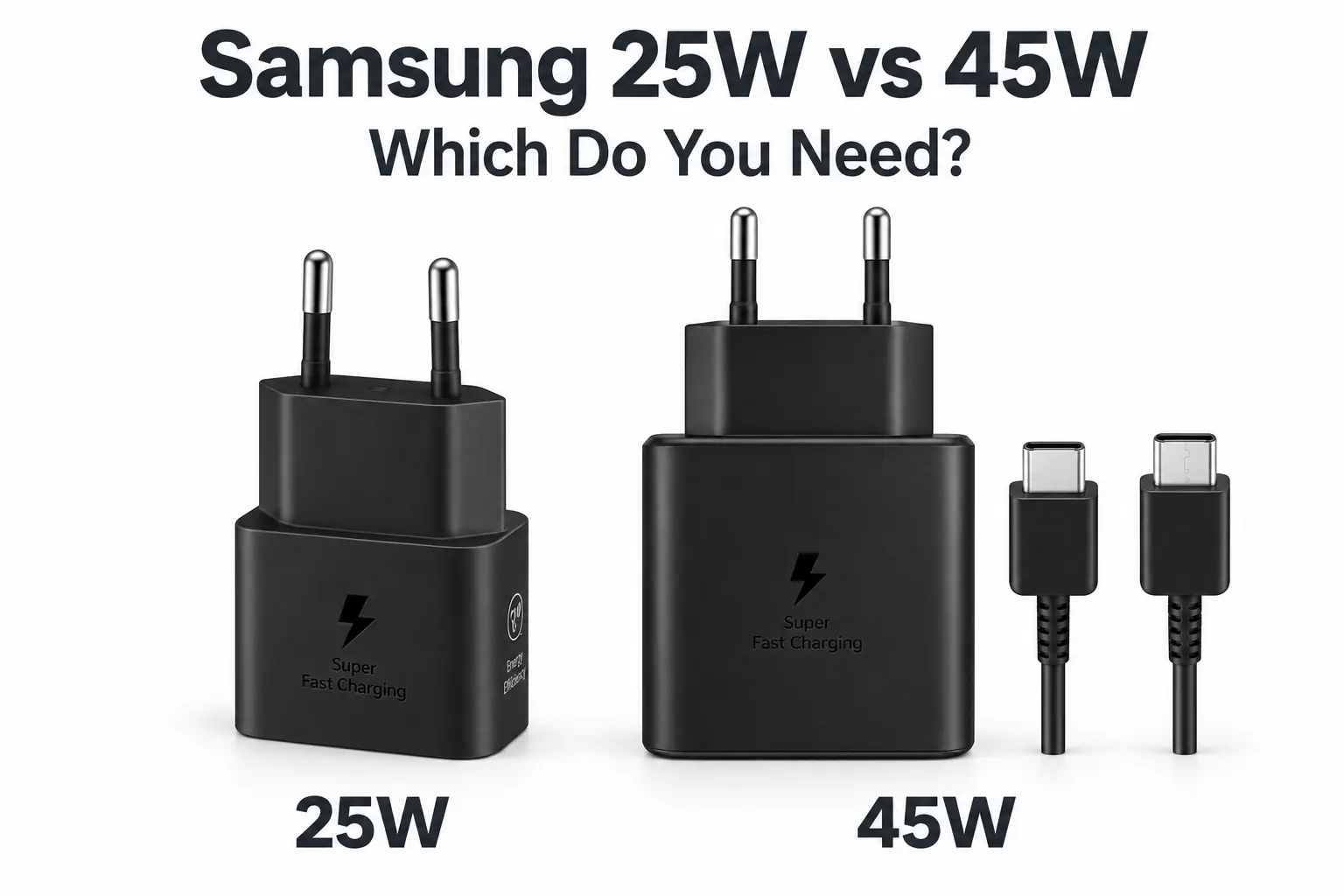
This Samsung 25W vs 45W charger guide shows you which one suits your phone, so you don’t pay extra for speed it can’t use.
A 45W charger might seem like the obvious upgrade, but whether it’s worth buying depends on your Galaxy phone. If your model supports a maximum of 25W, a compatible 25W adapter is usually all you need. If it supports 45W Super Fast Charging 2.0, you’ll need a compatible adapter and cable to use that charging mode.
Before buying, check three things: your phone’s charging limit, the adapter’s specifications, and the cable’s rating.
Start with your exact Galaxy model
Phones in the same Galaxy range can support different charging speeds. Don’t assume that a newer phone—or one with a larger screen—automatically supports 45W.
Find your model under Settings → About phone, then check its charging specifications on Samsung’s website. This is the quickest way to avoid paying for extra power your phone cannot use.
Check more than the adapter’s wattage
The number printed on a charger tells you its maximum output. It doesn’t confirm that the charger supports your phone’s fastest charging mode.
Samsung’s Super Fast Charging modes require compatible USB-C Power Delivery support, including PPS where needed. A generic adapter labelled “45W” may offer that power to some devices without meeting the requirements for 45W charging on your Galaxy.
Look for compatibility with your phone’s charging mode, then check the exact adapter model and output specifications.
Make sure the cable is suitable
The cable matters just as much as the adapter. Samsung’s guidance specifies a 5A-rated USB-C cable for 45W Super Fast Charging 2.0. An unsuitable or damaged cable can slow charging, even with the correct adapter.
The Mobile Geeks Samsung 45W charger listing describes a USB-C to USB-C cable. Before ordering, confirm the adapter model and the included cable’s rating against the package specifications. Cable length and colour won’t tell you whether it supports 5A.
Your situation: What to choose. Your Galaxy supports a maximum of 25W: use a compatible 25W adapter and a suitable cable. Your Galaxy supports 45W Super Fast Charging 2.0: use a compatible 45W adapter with a verified 5A USB-C cable. You want to charge several devices from one adapter: check how output is shared when multiple ports are in use. You don’t know your phone’s charging limit: find the exact model in Settings and check Samsung’s specifications
Is 45W nearly twice as fast as 25W?
No—the wattage difference doesn’t translate directly into charging time.
Your phone adjusts the power it draws throughout a charging session. Charging generally slows as the battery fills, while temperature, battery protection settings and using the phone during charging can also affect speed.
On a supported Galaxy, a compatible 45W setup may shorten charging time, particularly during certain stages. The actual difference depends on the model and conditions, so don’t expect every charge to be nearly twice as fast.
What if your phone isn’t charging as expected?
If your phone supports 45W but appears to be charging slowly, check the setup before replacing the adapter:
- Disconnect and reconnect the cable securely at both ends.
- Check the charging port for visible debris or damage.
- Confirm that fast charging is enabled in your phone’s settings.
- Try a known compatible adapter and a verified 5A cable.
These checks can help you work out whether the issue comes from the cable, adapter, connection, or phone settings. Samsung’s charging troubleshooting guide provides further guidance.
Samsung 25W vs 45W charger: which would we choose?
For a Galaxy limited to 25W, we’d buy a genuine, compatible 25W adapter with a suitable cable. There’s little reason to spend more purely for faster phone charging when the phone cannot use the extra output.
For a Galaxy confirmed to support 45W Super Fast Charging 2.0, we’d choose a compatible 45W adapter and a verified 5A USB-C cable.
Browse the Mobile Geeks charger collection or the Samsung 45W charger listing, then confirm compatibility with your exact phone before checkout.
Frequently asked questions
Can I use a 45W charger with a 25W Galaxy phone?
Yes, provided the charger and phone are compatible. They negotiate the charging power, so a phone limited to 25W won’t draw 45W simply because the adapter can supply it. Check the guidance for the specific phone and charger.
Why is my 45W-compatible phone charging more slowly?
Could be a bad cable, an adapter that does not support the proper charging mode, a loose connection, fast-charging settings disabled. Charging power can also be reduced by temperature and battery level.
Does every included USB-C cable support 5A?
No. Check the cable rating in the exact product or package specifications. Its appearance, length or inclusion with an adapter isn’t enough to confirm compatibility.
Editorial note — remove before publishing: Verify the adapter SKU and included cable in Mobile Geeks’ current stock against the corresponding Samsung product specifications. Add a phone compatibility list only after checking each exact model.
Reference links: Samsung charging troubleshooting · Samsung Pakistan 45W adapter with cable · Mobile Geeks Samsung 45W charger