

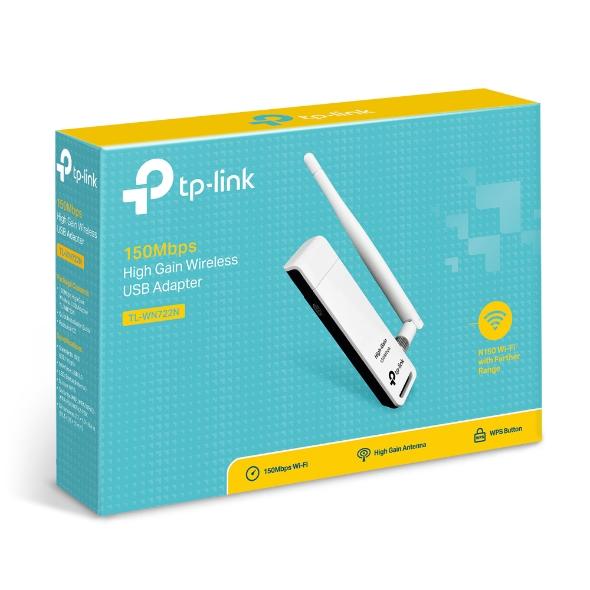
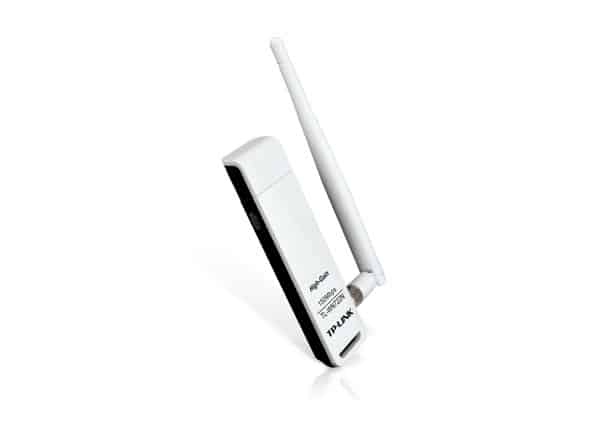
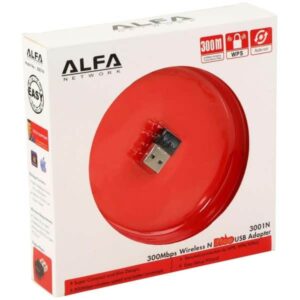
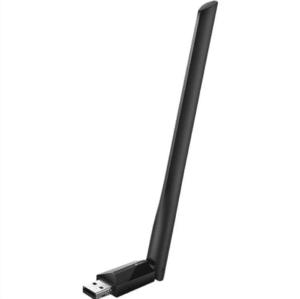
The TP-Link TL-WN722N is a USB WiFi adapter (WiFi receiver) that lets a desktop PC or laptop connect to your wireless network. It is useful when your PC has no WiFi, or when its built-in WiFi is weak because the computer sits far from the router. It supports Wireless N (IEEE 802.11n) at up to 150Mbps and has a 4dBi detachable antenna to strengthen the signal. You get online without running an ethernet cable.
TP-Link TL-WN722N Price in Pakistan
Scroll up for the current TP-Link TL-WN722N price. It’s updated whenever our prices change. Pay cash on delivery anywhere in Pakistan, or collect it in person from Mobile Geeks in Johar Town, Lahore. More options are in our network products section.
Key Features
- Up to 150Mbps wireless speed for browsing, streaming, video calls and file sharing.
- IEEE 802.11n (Wireless N), faster than older 54Mbps WiFi adapters.
- 4dBi detachable antenna to strengthen the adapter’s signal through walls and over distance.
- One-push security button (WPS/QSS) to set up an encrypted connection to your router.
- USB connection, so it works with desktop PCs and laptops.
Specifications
| Brand | TP-Link |
| Model | TL-WN722N |
| Type | Wireless N USB adapter |
| Standard | IEEE 802.11n |
| Maximum speed | Up to 150Mbps |
| Antenna | 4dBi, detachable |
| Security setup | One-push WPS/QSS button |
| Interface | USB |
Worth knowing: 150Mbps is the maximum rate under the 802.11n standard. Your real speed and range depend on walls, distance, interference and your internet plan. After a Windows or other OS update, you may need to update the adapter’s drivers from TP-Link’s download centre.
Who Is It For?
It suits you if you have a desktop PC with no WiFi, or a laptop whose built-in WiFi drops or is slow in rooms far from the router. Plug it in and connect to your existing home or office WiFi.
Frequently Asked Questions
Is the TL-WN722N the same as TLWN722N, WN722N or TP-Link 722N?
Yes. These are all ways people search for the same TP-Link TL-WN722N 150Mbps Wireless N USB adapter.
Can I use it on a desktop PC without WiFi?
Yes. It connects to your computer by USB and lets a desktop or laptop join a wireless network.
Will I really get 150Mbps?
150Mbps is the maximum rate. Actual speed depends on distance, walls, interference, your router and your internet package.
Can the antenna be removed?
Yes. The 4dBi antenna is detachable.
Do I need to install drivers?
You may need to update the drivers after an operating system update. The latest drivers are on TP-Link’s website in its download centre.
Delivery and Returns
- Delivery: we ship all over Pakistan with cash on delivery. If there’s a delivery charge, it’s shown at checkout before you confirm.
- Pick up in Lahore: select Local Pickup at checkout and collect from our Johar Town shop. Message us first so it’s ready.
- Returns: sealed, unused items can be returned within 7 days of delivery if you change your mind, with the return courier at your cost. Faulty or wrong items are handled separately. See our refund and returns policy or contact us first.
Hassan (verified owner) – September 4, 2024
best wireless catcher